
-
Prioritise performance
Chrome is built for performance. Optimise your experience with features like Energy Saver and Memory Saver.
![A cursor has clicked on the Energy Saver icon, which explains background activity and some visual effects have been limited to save memory.]()
-
Stay on top of tabs
Chrome has tools to help you manage the tabs you’re not quite ready to close. Group, label, and colour-code your tabs to stay organised and work faster.
![A browser UI features three groups of tabs: Personal, Trip to Arches and Work.]()
-
Optimised for your device
Chrome is built to work with your device across platforms. That means a smooth experience on whatever you're working with.

Get Chrome for your phone
![A mobile device and a desktop computer both show the Google homepage on Chrome.]()
-
Automatic updates
There’s a new Chrome update every four weeks, making it easy to have the newest features and a faster, safer browser.
![A browser UI features a green Update pill which tells the user it’s ready to be restarted for an automatic update.]()




-
Prioritise performance
Chrome is built for performance. Optimise your experience with features like Energy Saver and Memory Saver.
![A cursor has clicked on the Energy Saver icon, which explains background activity and some visual effects have been limited to save memory.]()
-
Stay on top of tabs
Chrome has tools to help you manage the tabs you’re not quite ready to close. Group, label, and colour-code your tabs to stay organised and work faster.
![A browser UI features three groups of tabs: Personal, Trip to Arches and Work.]()
-
Optimised for your device
Chrome is built to work with your device across platforms. That means a smooth experience on whatever you're working with.
Get Chrome for your phone
![A mobile device and a desktop computer both show the Google homepage on Chrome.]()
-
Automatic updates
There’s a new Chrome update every four weeks, making it easy to have the newest features and a faster, safer browser.
![A browser UI features a green Update pill which tells the user it’s ready to be restarted for an automatic update.]()

On every tab, there’s Gemini in Chrome.
Gemini in Chrome is your personal AI assistant, helping you easily understand content on the web and get tedious tasks done using the context of your open tabs and browsing history.
Explore Gemini in Chrome-
NANO BANANA – GEMINI IN CHROME
Make online inspiration your own creation


Our latest state of the art image model is right here in Chrome. Ask Gemini in Chrome to visualize a webpage in an infographic, or transform an image you find on the web. You can visualize almost anything just by asking.
Get help with Nano Banana in -
SKILLS – GEMINI IN CHROME
Your most helpful prompts in one click
Until now, repeating Gemini in Chrome tasks – like asking for ingredient substitutions to make a recipe vegan – meant re-entering the same prompt as you visited different pages. Now, you can use Skills in Chrome to save and reuse your most helpful prompts.
Learn more about Skills in


GOOGLE SEARCH
Ask anything with AI Mode
AI Mode is our most powerful AI search, built right into Chrome. Ask your toughest questions from the place where you already search, and keep exploring with follow-up questions and helpful web links.
Explore AI Mode
-
PASSWORD MANAGER
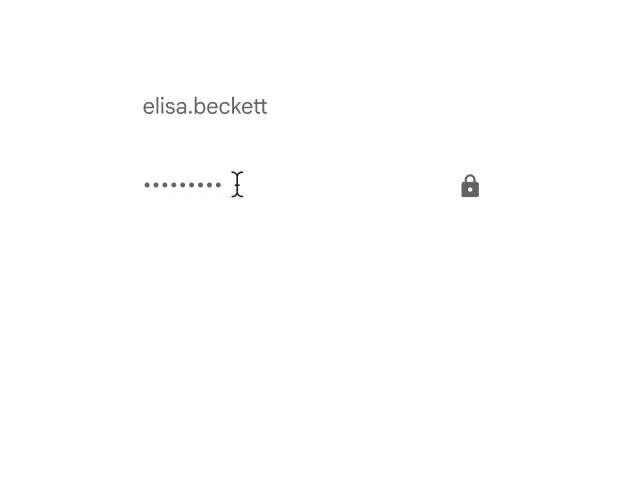
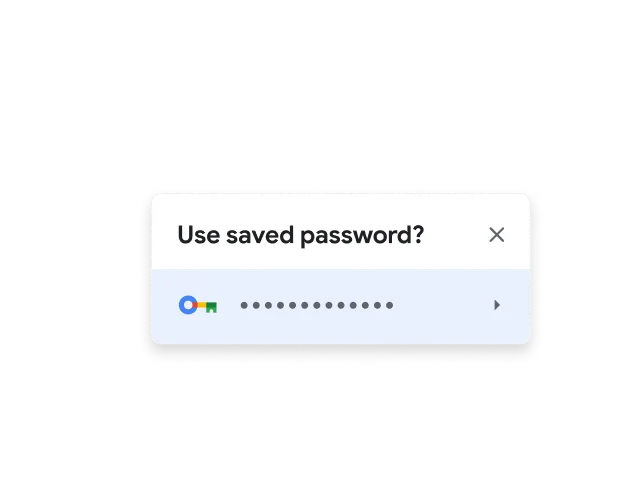
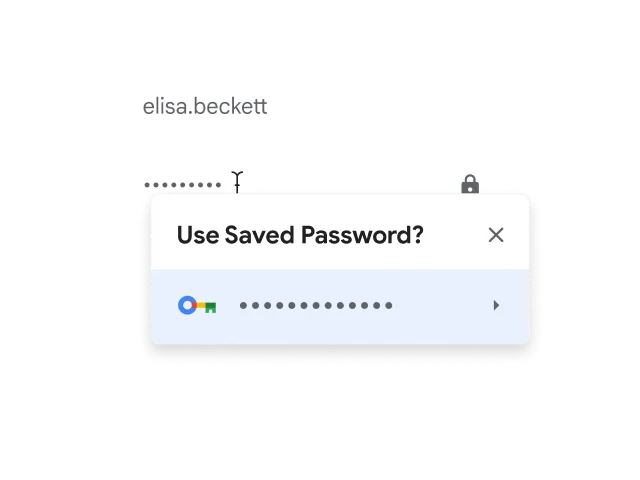
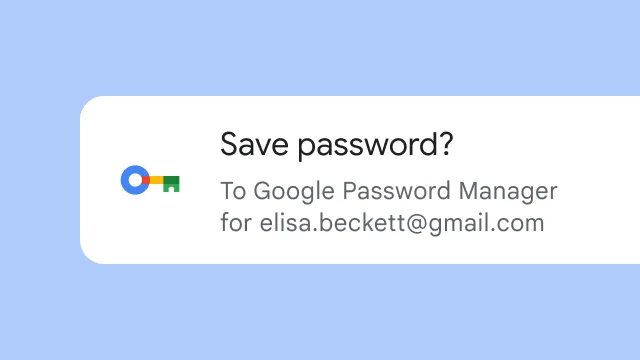
Use strong passwords on every site.

Chrome has Google Password Manager built in, which makes it simple to save, manage and protect your passwords online. It also helps you create stronger passwords for every account you use.
-
ENHANCED SAFE BROWSING
Browse with the confidence that you’re staying safer online.

Chrome's Safe Browsing warns you about malware or phishing attacks. Turn on Enhanced Safe Browsing for even more safety protections.
-
SAFETY CHECK
Check your safety level in real time with just one click.
Chrome's Safety Check confirms the overall security and privacy of your browsing experience, including your saved passwords, extensions and settings. If something needs attention, Chrome will help you fix it.
-
PRIVACY GUIDE
Keep your privacy under your control with easy-to-use settings.
Chrome makes it easy to understand exactly what you’re sharing online and who you’re sharing it with. Simply use the Privacy Guide, a step-by-step tour of your privacy settings.



Think outside the top bar with vertical tabs
Vertical tabs stack down the side of your browser window, so you can read full page titles and manage tab groups with ease – even when your tab count hits double digits. Just right-click on any Chrome window and select “Show Tabs Vertically.”
Get help with managing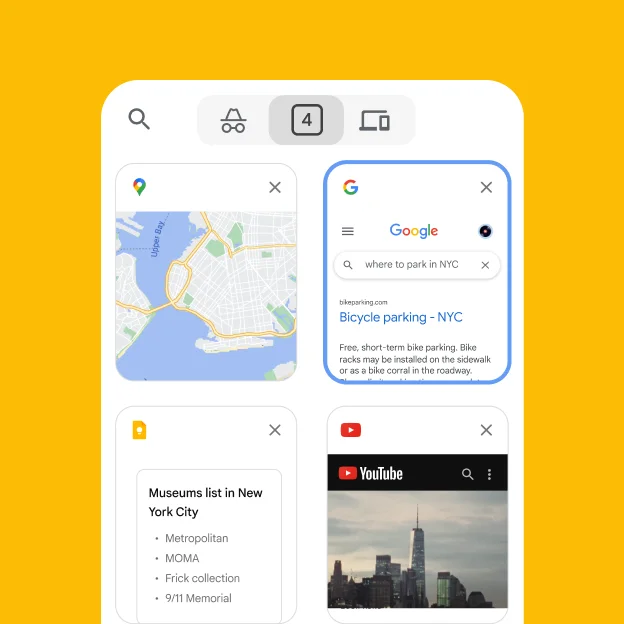

One window, two views
Sick of juggling multiple windows or switching between tabs? Split view lets you view two tabs at the same time for a more streamlined, flexible way to work.
Customise your Chrome
Personalise your web browser with themes, dark mode and other options built just for you.
Browse across devices
Sign in to Chrome on any device to access your bookmarks, saved passwords and more.
Save time with autofill
Use Chrome to save addresses, passwords and more to quickly autofill your details.
One window, two views
Sick of juggling multiple windows or switching between tabs? Split view lets you view two tabs at the same time for a more streamlined, flexible way to work.
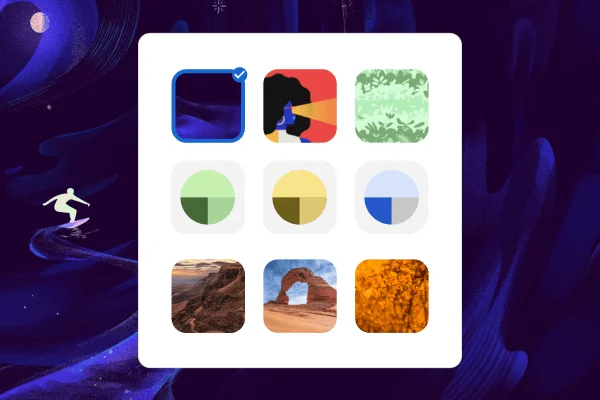
Customise your Chrome
Personalise your web browser with themes, dark mode and other options built just for you.
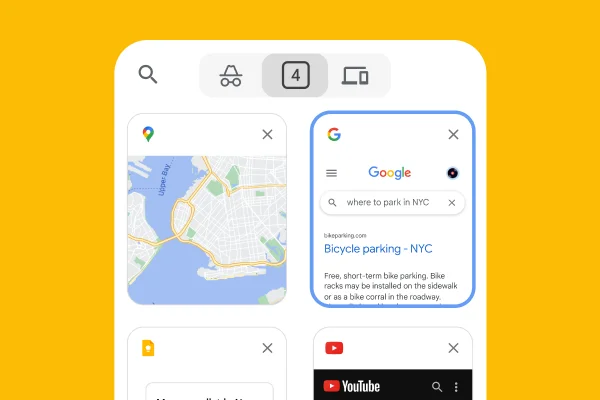
Browse across devices
Sign in to Chrome on any device to access your bookmarks, saved passwords and more.
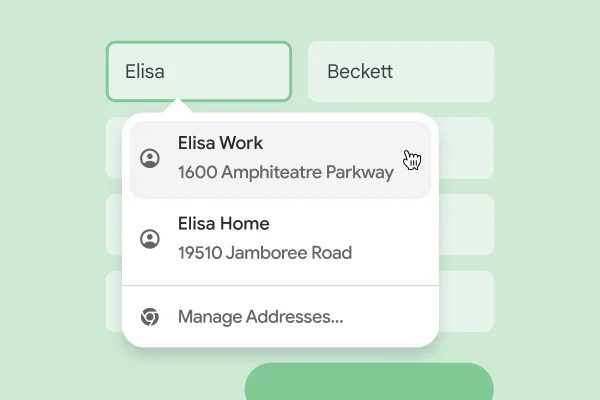
Save time with autofill
Use Chrome to save addresses, passwords and more to quickly autofill your details.
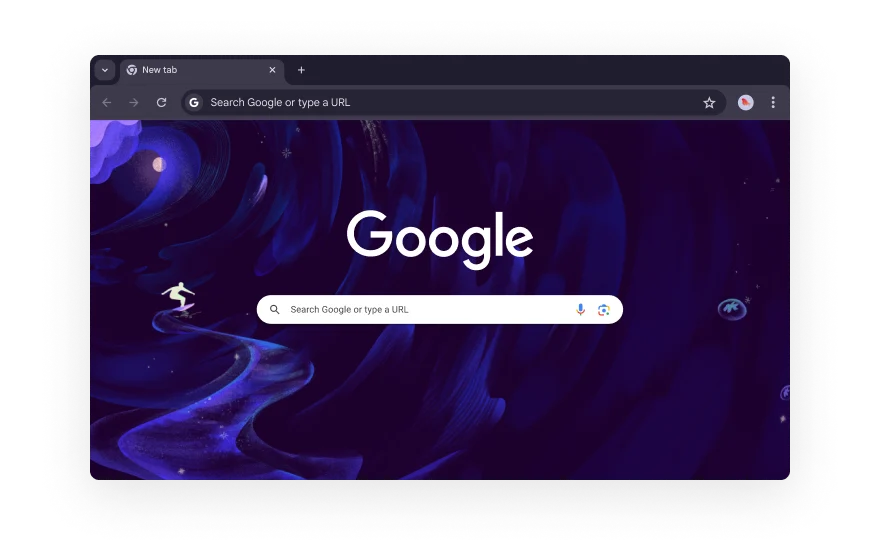
Extend your experience
From shopping and entertainment to productivity, find extensions to improve your experience in the Chrome Web Store.





-
GOOGLE PAY
Pay for things as quick as you click.
Google Pay makes it easy to pay online. When you securely store your payment info in your Google Account, you can stop typing your credit card and check out faster.
-
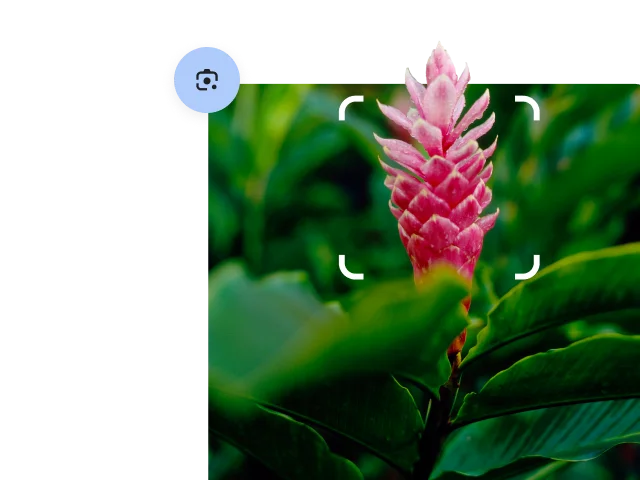
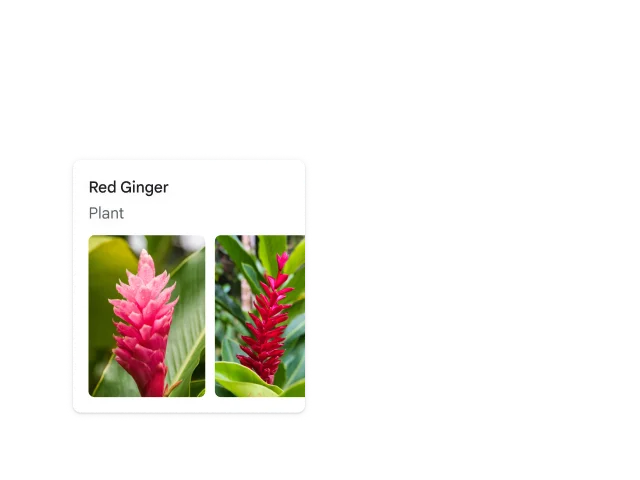
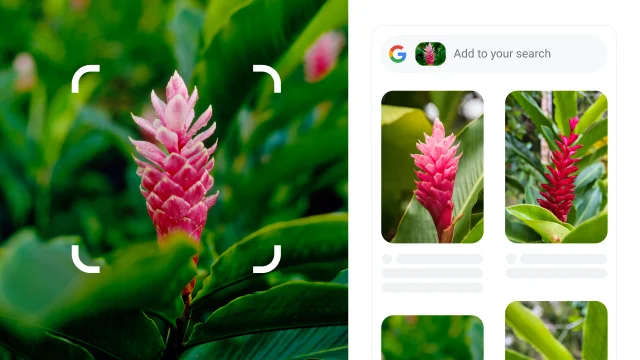
Google Lens
See anything, search anything.
Search, translate, identify, or shop with Google Lens in Chrome. You can ask questions about what you see, whether it’s something you come across on a website or a photo you take.




Frequently asked questions
How do I install Chrome?
Does Chrome work on my operating system?
How do I make Chrome my default browser?
What are Chrome’s safety settings?
Get Chrome for your phone